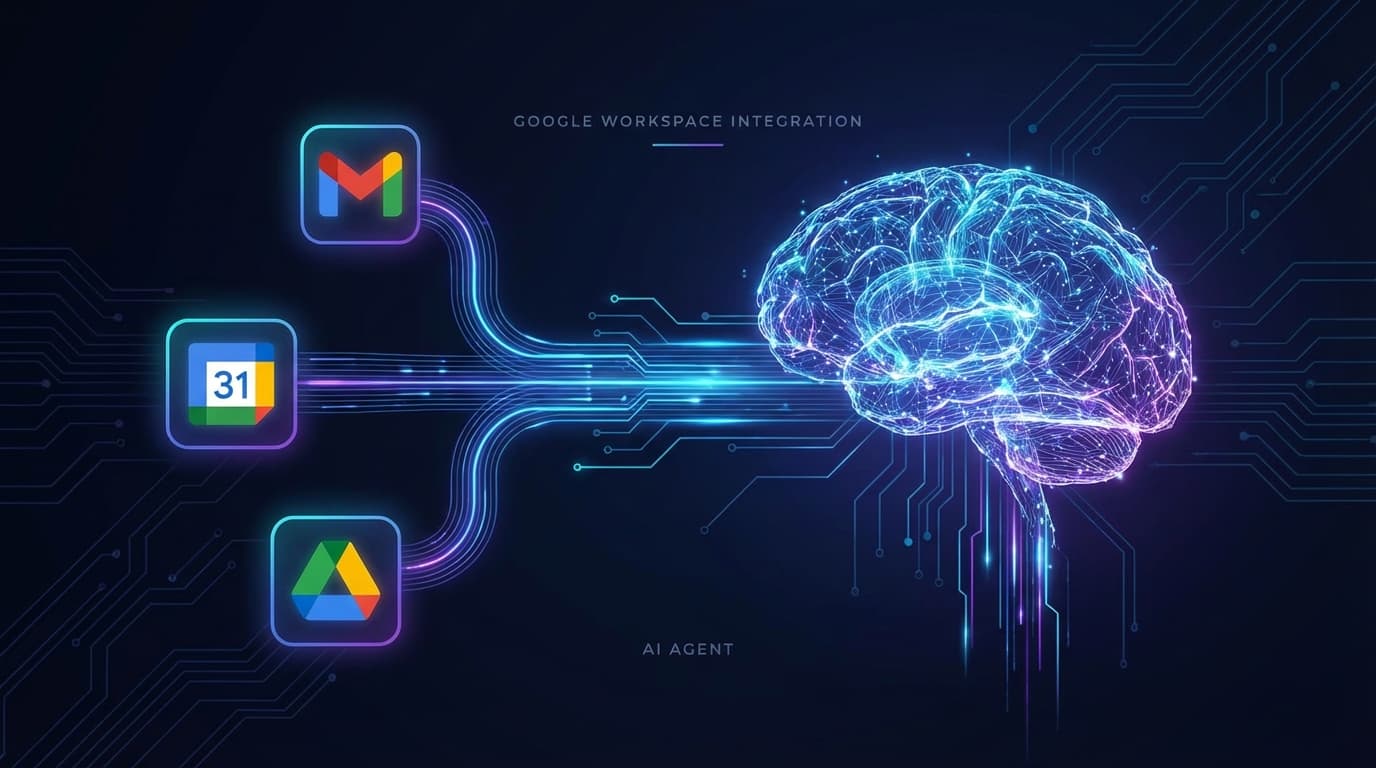
Connect Google Workspace to Your AI Agent
Step-by-step guide: connect Gmail, Calendar, and Drive. Automate email labeling, get AI-drafted replies to review before sending, and unlock your full Google suite.
Linda was spending 45 minutes every morning sorting emails, flagging what needed replies, and drafting responses. Now her agent does it while she sleeps — she wakes up to a sorted inbox and draft replies ready to review.
Who this is for
Business owners, office managers, executive assistants — anyone who lives in Gmail and spends too much time on email triage, scheduling, and client communication.
What you'll set up
- Gmail integration (read, search, label, draft)
- AI-drafted replies you approve before sending
- Calendar awareness — your agent knows your schedule
- Drive search — find documents by description
Step-by-step setup
Step 1: Install the Google Workspace Skill
Tell your agent to install the skill. It handles everything automatically.
"Install the Google Workspace skill"
Step 2: Connect Your Google Account
Your agent will walk you through the authorization flow. You'll get a browser link to approve access — takes about 3 minutes.
"Connect my Google Workspace account"
💡 Tip: If you get stuck, book a free onboarding call and we can help you configure this correctly, especially for business Google Workspace accounts with admin restrictions.
Step 3: Set Up Email Labeling Rules
Tell your agent what matters. It creates the rules and applies them going forward — automatically.
"Label emails from clients as Priority, newsletters as Low Priority, and anything with 'invoice' as Finance."
Step 4: Get AI-Drafted Replies
Your agent drafts replies, shows them to you, and waits for your approval before sending. You stay in control. Always.
"Draft a reply to the email from Sarah about the Q1 report."
Step 5: Expand to Calendar & Drive
Once Gmail is connected, unlock more power across your Google suite.
"What's on my calendar next week?"
"Schedule a 30-minute call with Mark on Friday afternoon."
"Block Friday mornings for deep work — don't accept meetings."
Advanced Use Cases
Once Gmail and Calendar are connected, your agent can go deeper into your business operations.
📄 Invoicing & Accounting
Connect Xero or QuickBooks. Ask: "Draft an invoice for Project X and email it to client@example.com." Your agent handles the draft — you approve before it goes.
📅 Property Management
Daily booking summaries, flag unpaid reservations, draft guest check-in instructions. Your agent runs the morning briefing while you have coffee.
✉️ Payroll & HR
Summarize timesheets, flag discrepancies, draft payroll approval emails for your accountant. Reduce the manual back-and-forth.